新手指南By Mr.Xuan · 2026-08-07
TP Wallet Creation & Backup Guide: Mnemonic Phrase & Private Key Explained (2026)
Creating a wallet is your first step into the Web3 world. This guide explains how to create a new wallet in TP Wallet, back up your mnemonic phrase, understand private keys, and store them securely.
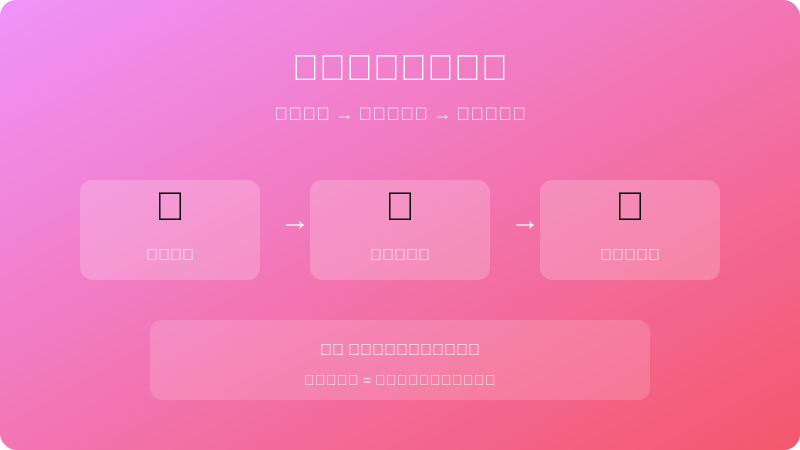
Step 1: Create a New Wallet
- Open the TP Wallet App, tap "Create Wallet" on the welcome page
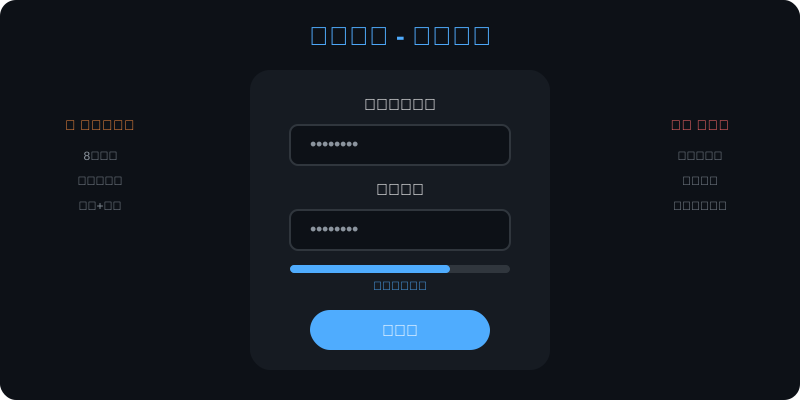
- Set a wallet name (e.g., "My FunDAO Wallet")
- Set a wallet password (6-digit number or alphanumeric)
- Confirm the password, tap "Next"
Step 2: Back Up Mnemonic Phrase (Most Critical!)
The system generates a set of 12 English words — this is your Mnemonic Phrase.
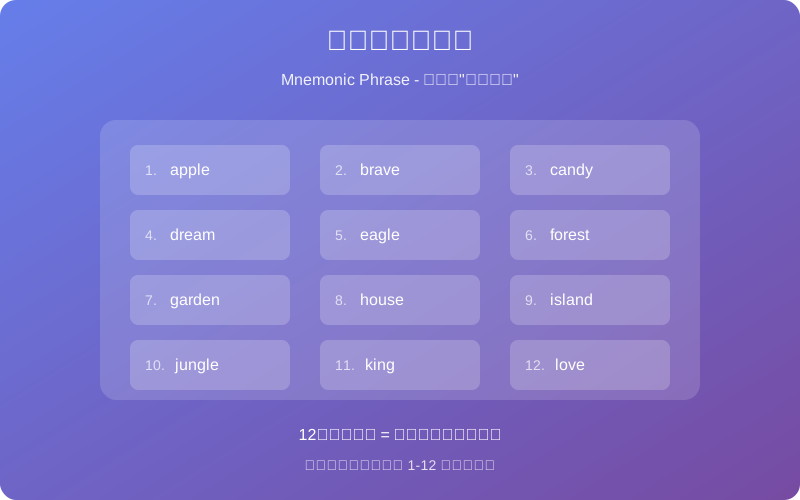
⚠️ Mnemonic = Your Wallet! Lost mnemonic = Lost all assets!
Correct Backup Method:
- Prepare paper and pen
- Write down all 12 words in order (check spelling carefully)
- Write it twice and cross-check
- Store the paper in a secure location (safe, bank vault, etc.)
- Consider splitting into two copies at different locations (disaster backup)
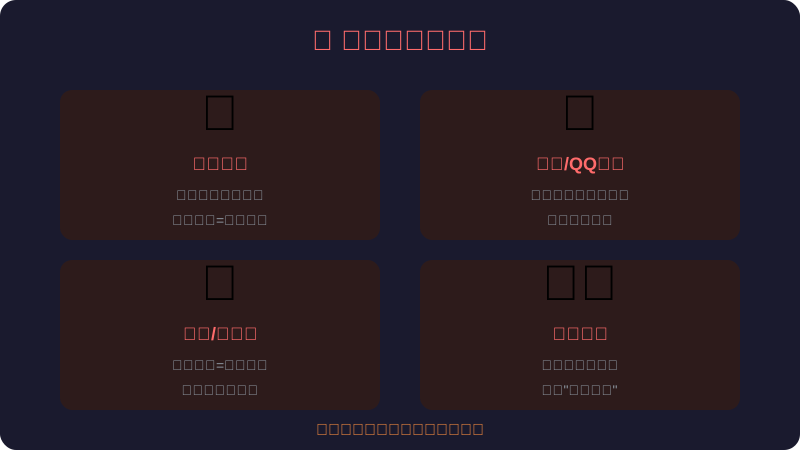
❌ Never Do This:
- ❌ Don't screenshot and save to phone gallery
- ❌ Don't store in WeChat/Telegram chat history
- ❌ Don't upload to any cloud (iCloud, Google Drive, etc.)
- ❌ Don't tell anyone, including "customer service"
Step 3: Verify Mnemonic Phrase
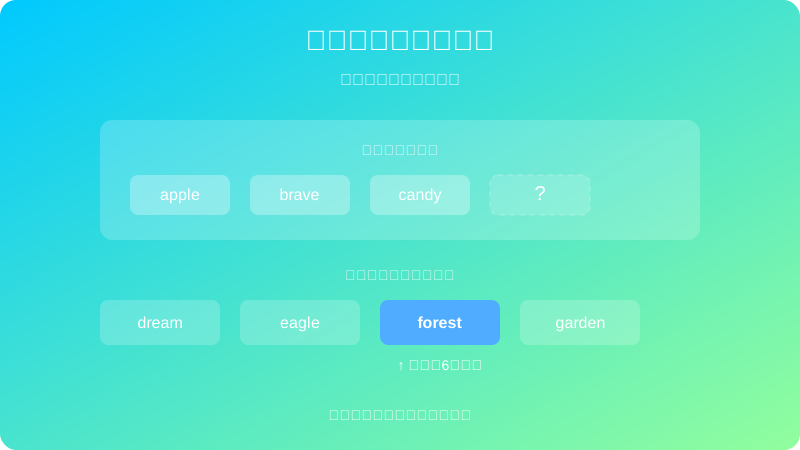
After writing it down, TP Wallet will ask you to select words in order to verify your backup.
- The system shuffles the 12 words
- Select the correct words in the order you wrote them
- After selecting all correctly, tap "Confirm"
Step 4: Wallet Created Successfully!
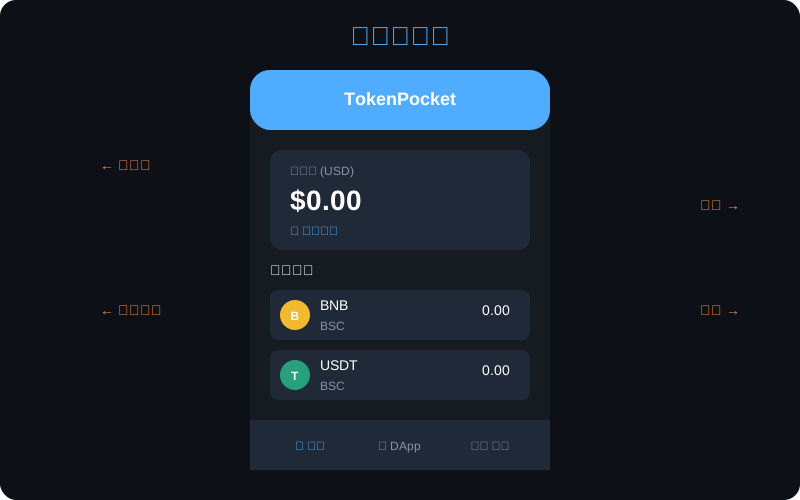
After verification, you'll enter the wallet main interface where you can see:
- Wallet Address: A string starting with
0x(like a bank card number) - Asset Balance: Current token holdings
- Function Buttons: Receive, Send, Swap, DApp Browser, etc.
Key Concepts Explained
| Concept | Description | Analogy |
|---|---|---|
| Mnemonic | 12 English words, key to restore wallet | Bank PIN + ID number |
| Private Key | 64 hex characters, derived from mnemonic | Bank card chip |
| Wallet Address | Public address starting with 0x, for receiving | Bank card number (can share) |
Secure Storage Tips
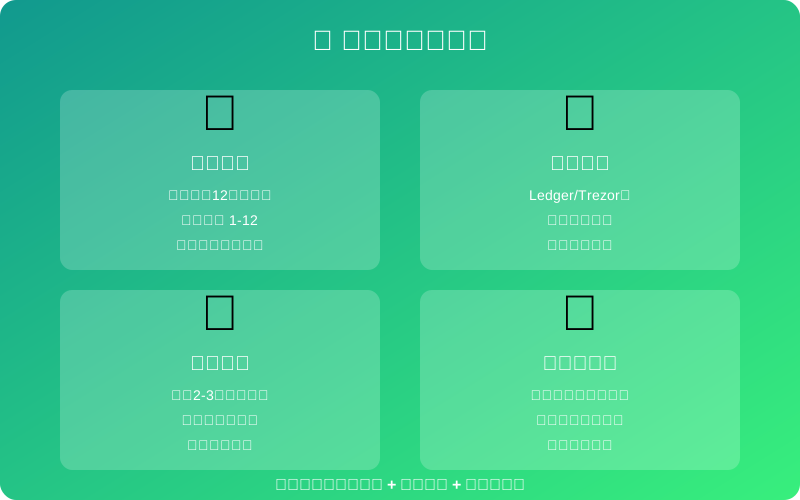
- Paper backup: Handwrite mnemonic, store in safe or secure location
- Metal backup: Buy a mnemonic steel plate (fire/waterproof), engrave your words
- Distributed storage: Split mnemonic into two copies at different locations
- Regular check: Every few months, confirm backup is intact and legible
Next Step
After creating your wallet, you can:
Disclaimer: This tutorial is for educational purposes only. Please safeguard your mnemonic phrase and private key. Asset losses from lost credentials cannot be recovered.