新手指南By Mr.Xuan · 2026-08-07
TokenPocket (TP) Wallet: Complete Download & Installation Guide (2026)
TokenPocket (TP) Wallet is one of the world's most popular multi-chain digital wallets, supporting 20+ blockchains including BSC, Ethereum, and Solana. This guide walks you through downloading, installing, and creating a wallet step by step.
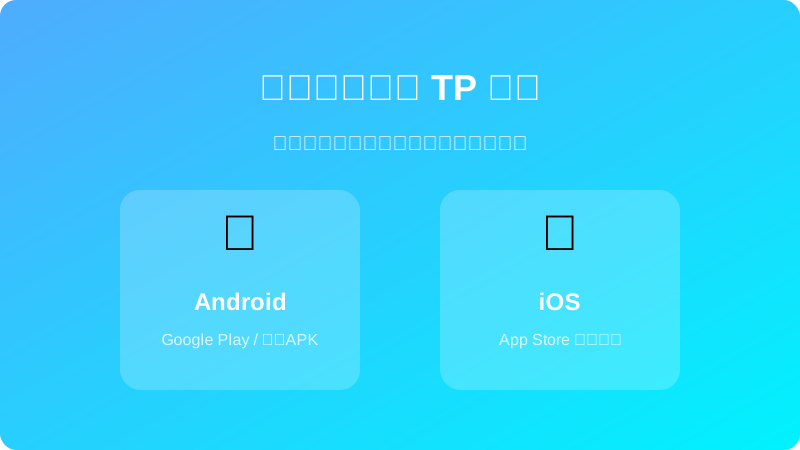
Step 1: Download TP Wallet
TP Wallet is available on mobile and desktop. We recommend starting with mobile for easier operation.
📱 Mobile Download
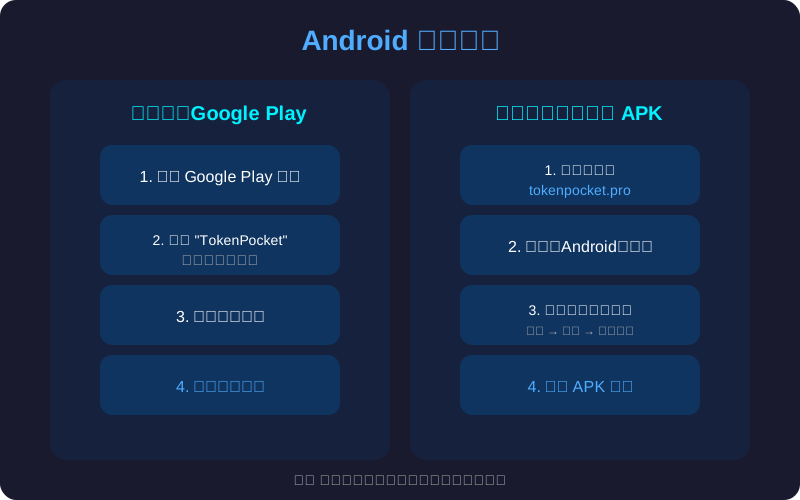
Android Users:
- Open your mobile browser (Chrome, Edge, etc.)
- Visit the official TP Wallet website: https://www.tokenpocket.pro
- Click the "Download" button on the page
- Select "Android" version to download the APK file
- After download, open the APK file and allow "Install from unknown sources"
- Click "Install" and wait for completion
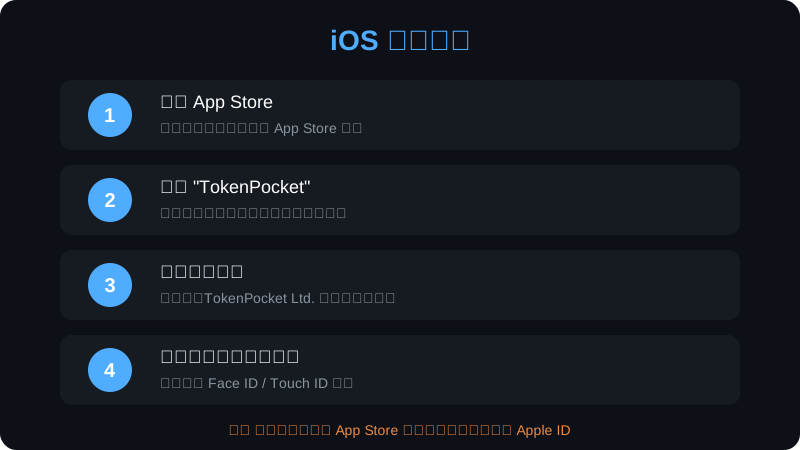
iOS Users:
- Open the App Store
- Search for "TokenPocket"
- Find the official app (Developer: TokenPocket), tap "Get"
- Wait for download and installation to complete
💻 Desktop Download (Optional)
- Visit https://www.tokenpocket.pro
- Click "Download" → Select "Chrome Extension" or "Windows/Mac"
- Follow the installation prompts
Step 2: Open TP Wallet
- After installation, find the TokenPocket icon on your home screen (blue hexagon logo)
- Tap to open. The welcome page will appear on first launch
- Select language: Tap "🌐" in the top right → Select "English"
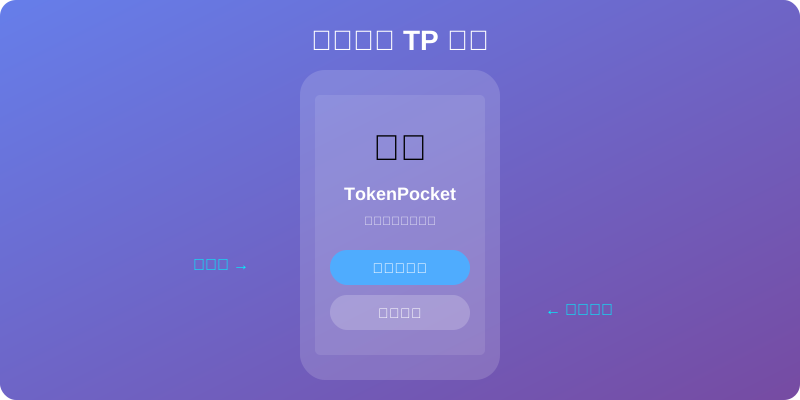
Step 3: Choose Wallet Type
TP Wallet supports two creation methods:
| Type | Best For | Security |
|---|---|---|
| Create Wallet | New users, first time | ⭐⭐⭐⭐⭐ |
| Import Wallet | Existing users with mnemonic/private key | ⭐⭐⭐⭐ |
👉 New users should select "Create Wallet". The next tutorial covers this in detail.
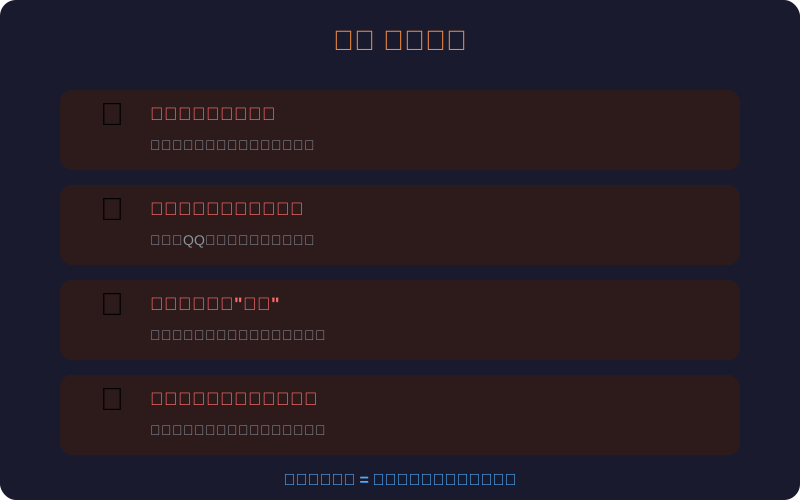
⚠️ Security Reminders (Must Read)
- ✅ Only download from the official site: https://www.tokenpocket.pro — never from third-party links
- ✅ Never screenshot your mnemonic phrase: It's the master key to your wallet; screenshots can be stolen
- ✅ Never share your mnemonic with anyone: Including "customer service" or "admins" — real support will never ask for it
- ❌ Don't click suspicious links: Phishing sites mimic TP Wallet to steal your assets
Next Step
After downloading, read the next tutorial: 👉 TP Wallet Creation & Backup Guide
Disclaimer: This tutorial is for educational purposes only. Digital asset investment carries risks. Please safeguard your mnemonic phrase and private key.